
Navigation
Datoteka navigation is possible via the main menu, toolbar or keyboard shortcuts. Datoteka have three main perspectives:
- Two-page perspective similar to Norton Commander werwweeewrwewerwerwerwer werwerwerwerwerwer werwerwerwerwerwerwer werwerwerwer werwer werwer
- werwerwerwerwerwer
- werwerwer
werwerwerwerwerwersdfsdf
- Explorer perspective similar to Windows Explorer
- Search perspective with advance filtering based on name, tag, type …
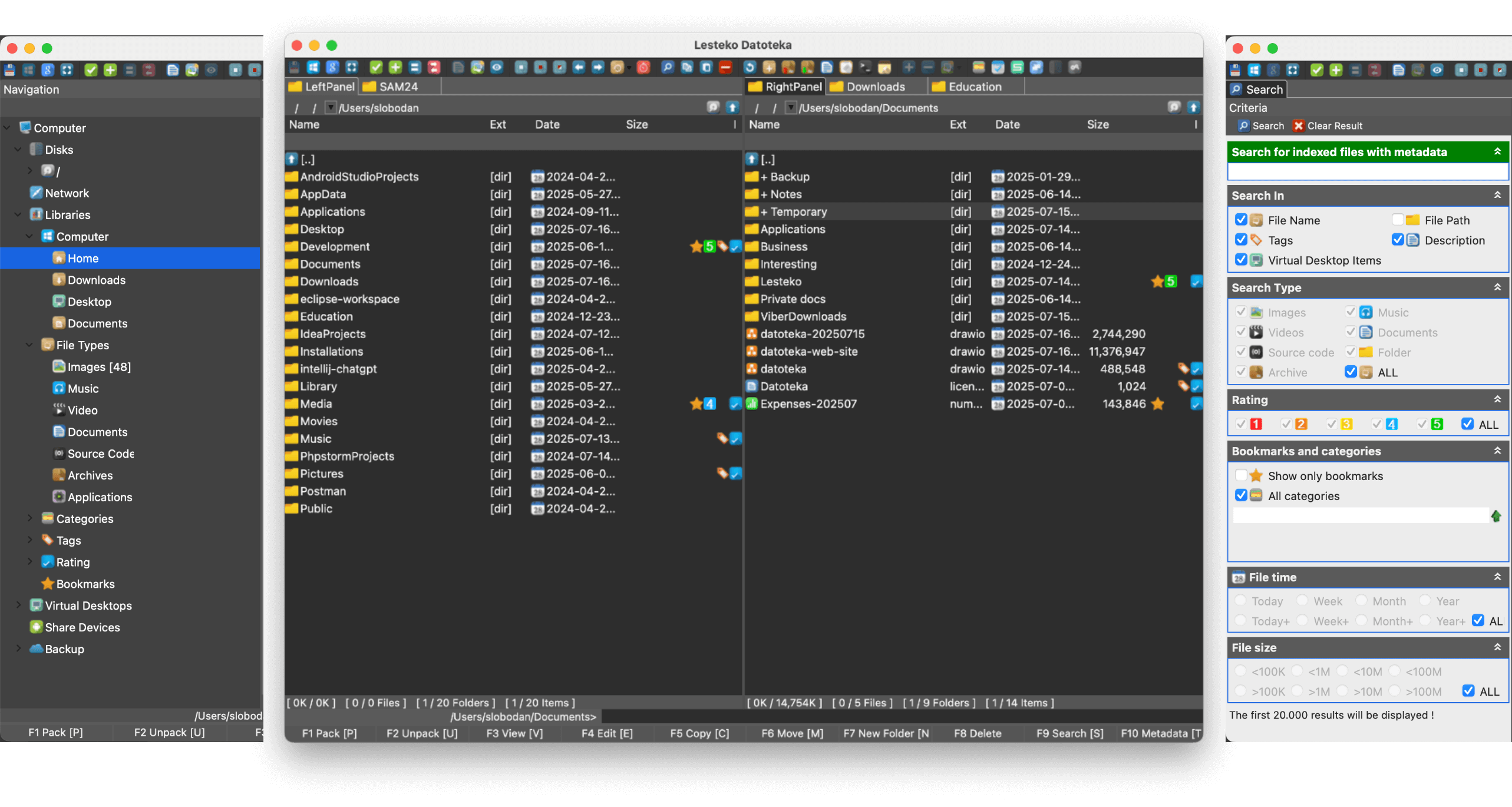
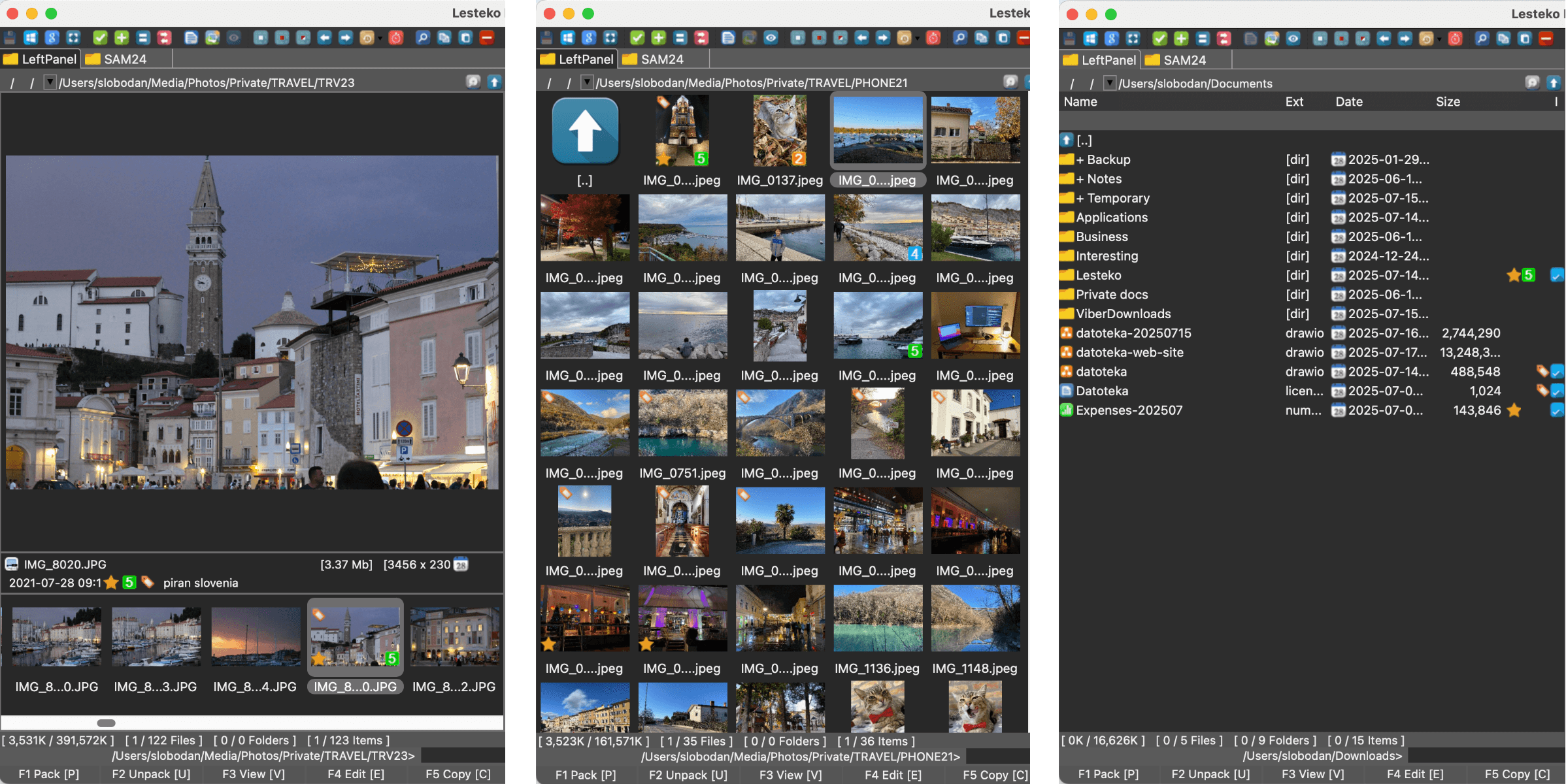
Each perspective has a panel that can have multiple tabs with views. A view can show data i.e. folders and files in multiple modes:
- Table or grid mode which can be easily sorted and filtered
- Gallery mode which displays thumbnails of files
- Preview mode which renders the file in full size so we can see images, text, web pages, videos, pdfs and more
Slobodan
- sdvsdf
- sdfsdf
- sdfsdf
- sdfsdf
| asd | asda |
| asd | as |
| asd | asd |
Configure compilation validators
- In the Settings dialog (⌘Cmd0
- ,
- ) , go to Build, Execution, Deployment| Compiler | Validation.
- On the Validation page, select the Validate on build option.
The available Validators are extension points that plugins can register and run as inspections during compilation. The available validators are based on the enabled plugins, so if a validator is missing, check if the appropriate plugin is enabled.